
I was asked to help with this again! He enjoyed my work for the kickstarter launch and asked if I could do some more with the image to make it look even more demonic. The original image was a Raw Jpeg, so I was able to manipulate it more than with a standard compressed Jpeg.

So taking the original image I made a few different versions for Jack's feedback.
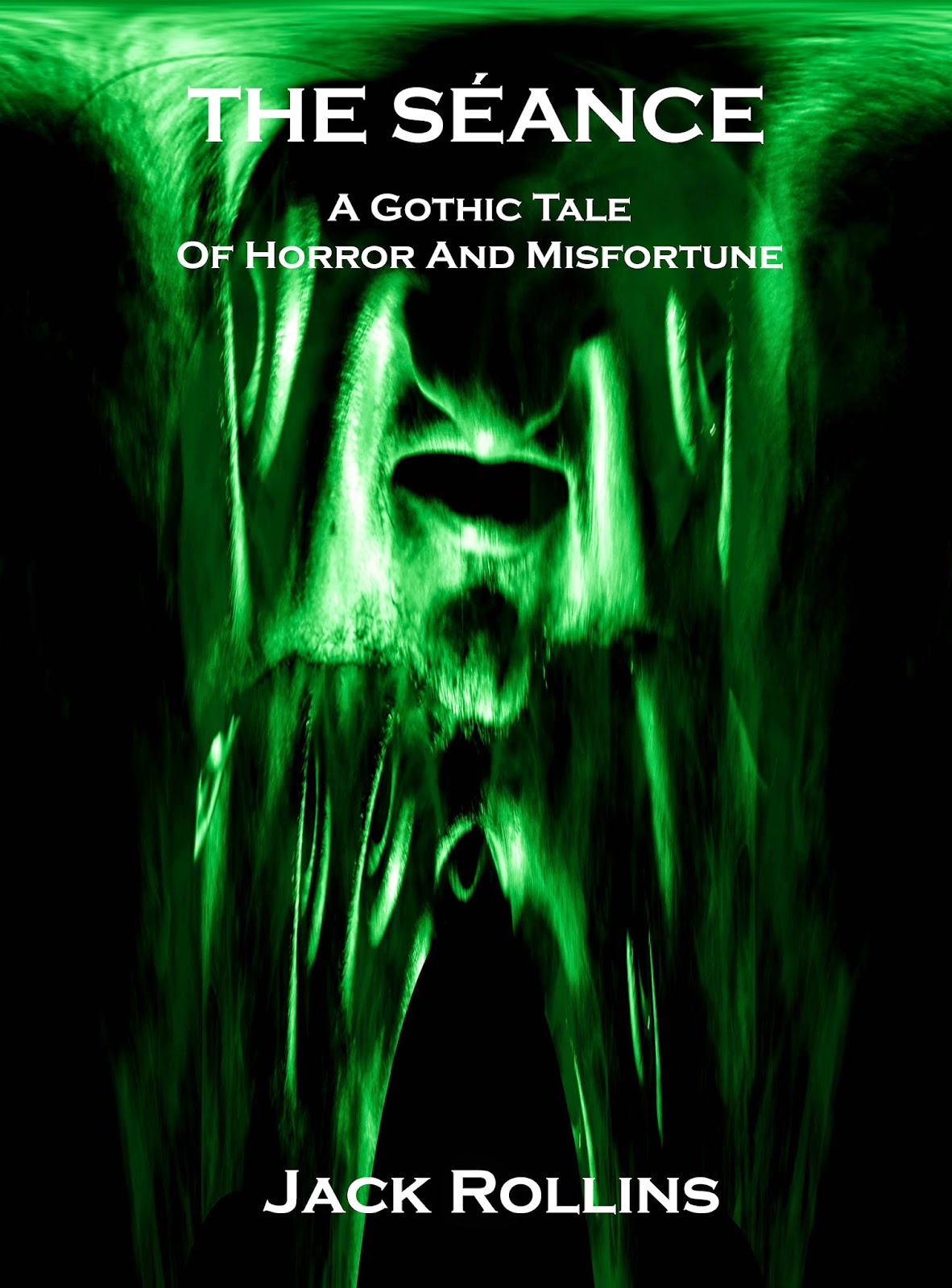
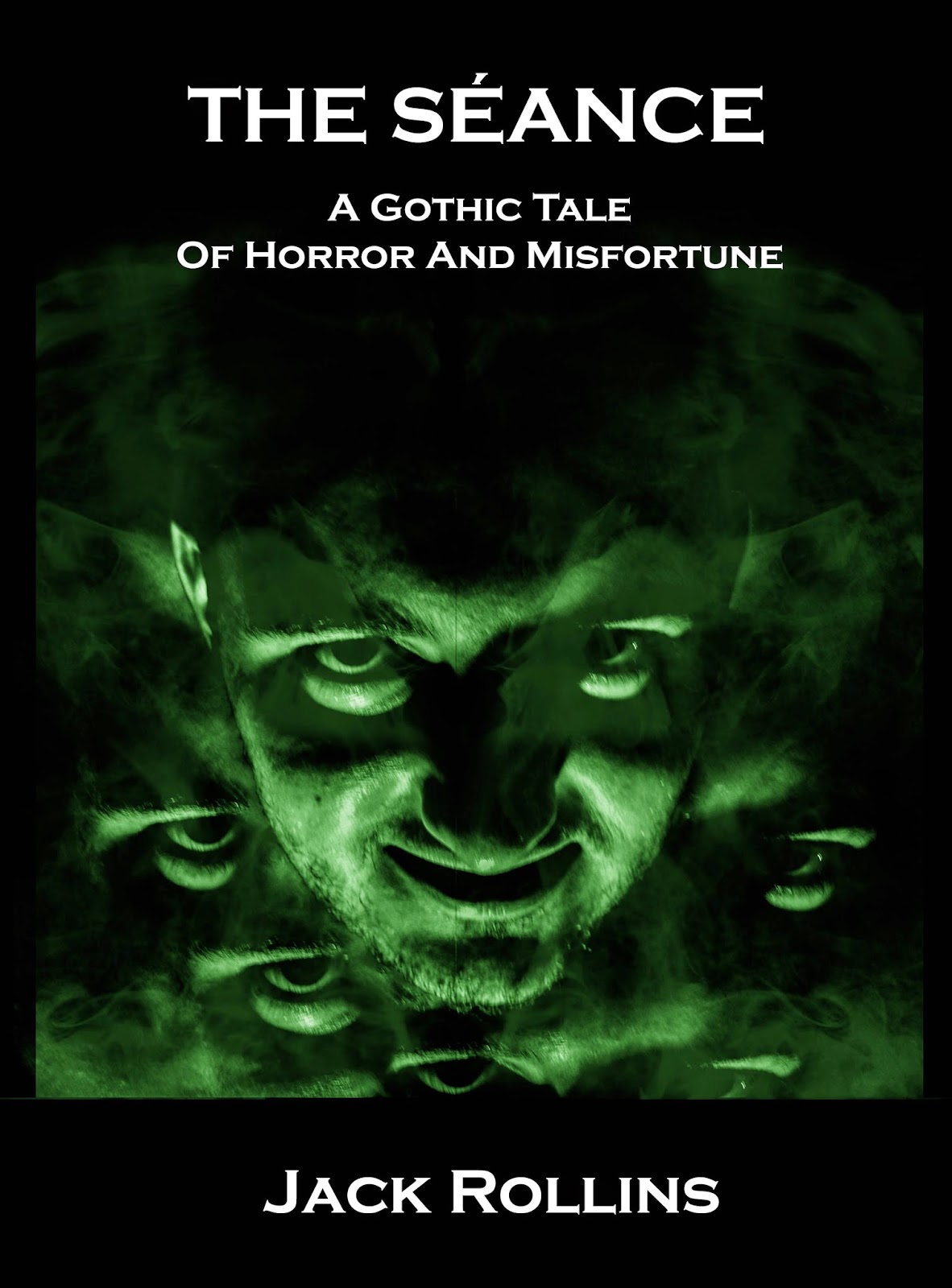
<< I deepened the shadows slightly and tinted green
I tinted green and displaced the image completely >>


<< Using Liquefy after tinting green slightly, I began to draw out parts of the face to become more demonic.
Using the same process as before, but making sure parts weren't stretched out of detail. There's a tool which can draw back what you have done, which I found was great for reverting stretched detail. >>
In the end, this was the selected cover. It is set for the eBook version and I will be going back and resizing and resetting for the paperback version.


